Are your air purifiers running when nobody is there?
Schedule & Control Units Around the School Calendar
Many districts have HEPA units running through nights, weekends, holidays, school breaks, or summer.
With the Alen app, supported connected units can be scheduled around actual building use, helping facilities teams reduce unnecessary runtime while supporting better filter-life planning and equipment management.
Core Resources
Why Scheduling Matters
Your school calendar changes. Your purifier schedule can too.
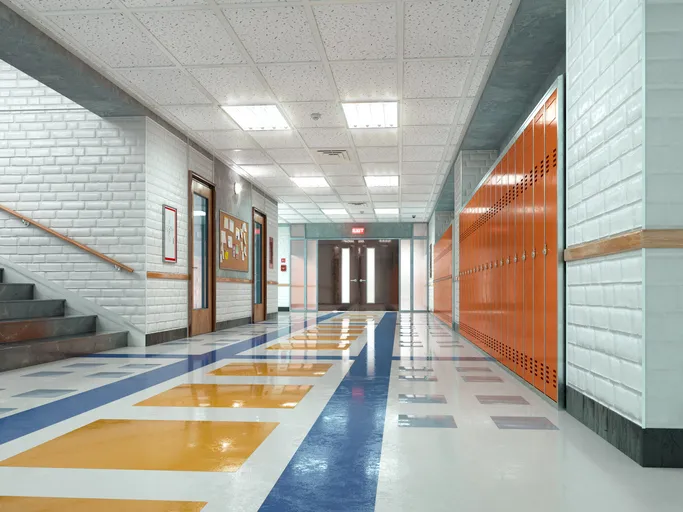
Classrooms, offices, nurse areas, and shared spaces do not all operate on the same schedule. Some rooms are used daily. Others may only be used during certain hours, events, or programs.
For supported connected units, app-based scheduling can help teams better align purifier operation with how each space is actually used.
This can help districts:
Reduce unnecessary runtime during off-hours
Adjust schedules for nights, weekends, holidays, and summer breaks
Support more consistent operation in priority spaces
Help extend filter life by avoiding unnecessary use
Reduce wear and tear on equipment
Make purifier management easier for facilities teams
How to Build a Schedule in the Alen App
Creating a schedule only takes a few steps. Select the units you want to manage, choose what the schedule should control, set the days and times, then give the schedule a name your facilities team will recognize.
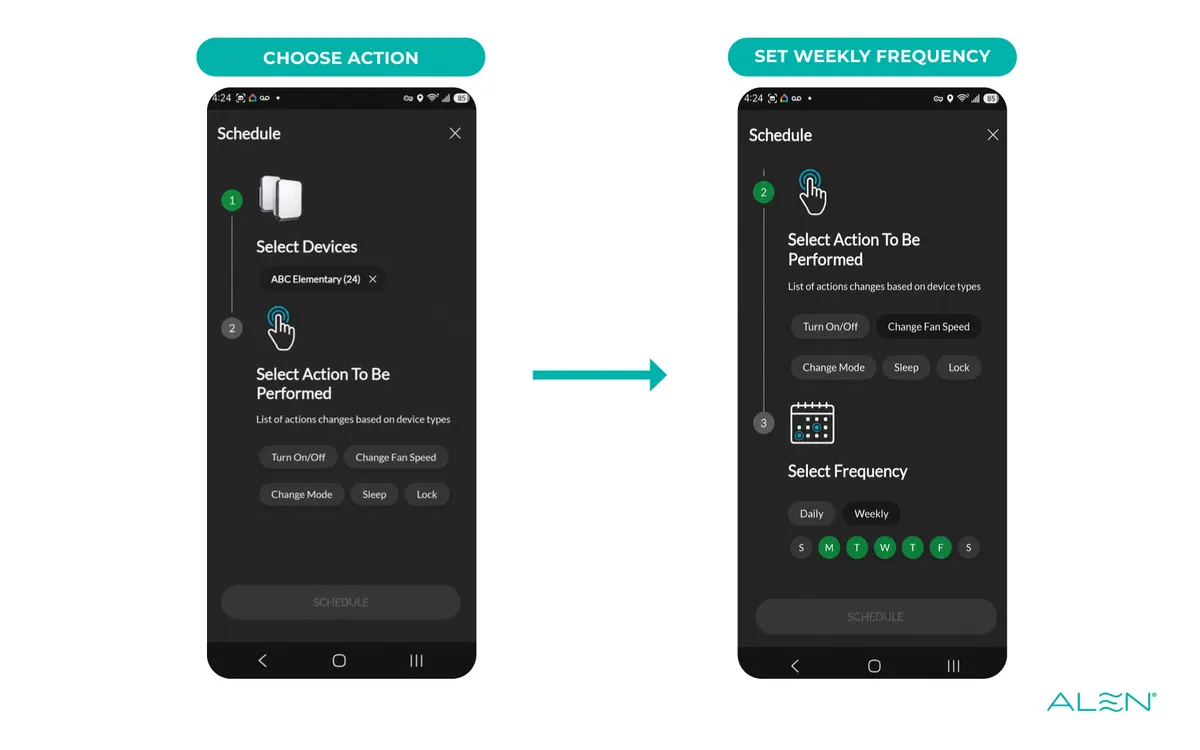
1. Select what you want to schedule
Start the schedule, then choose one school or apply the schedule across all district devices.

2. Choose what the schedule controls
Select the action you want the app to perform, then choose whether it should run daily or on specific weekdays.
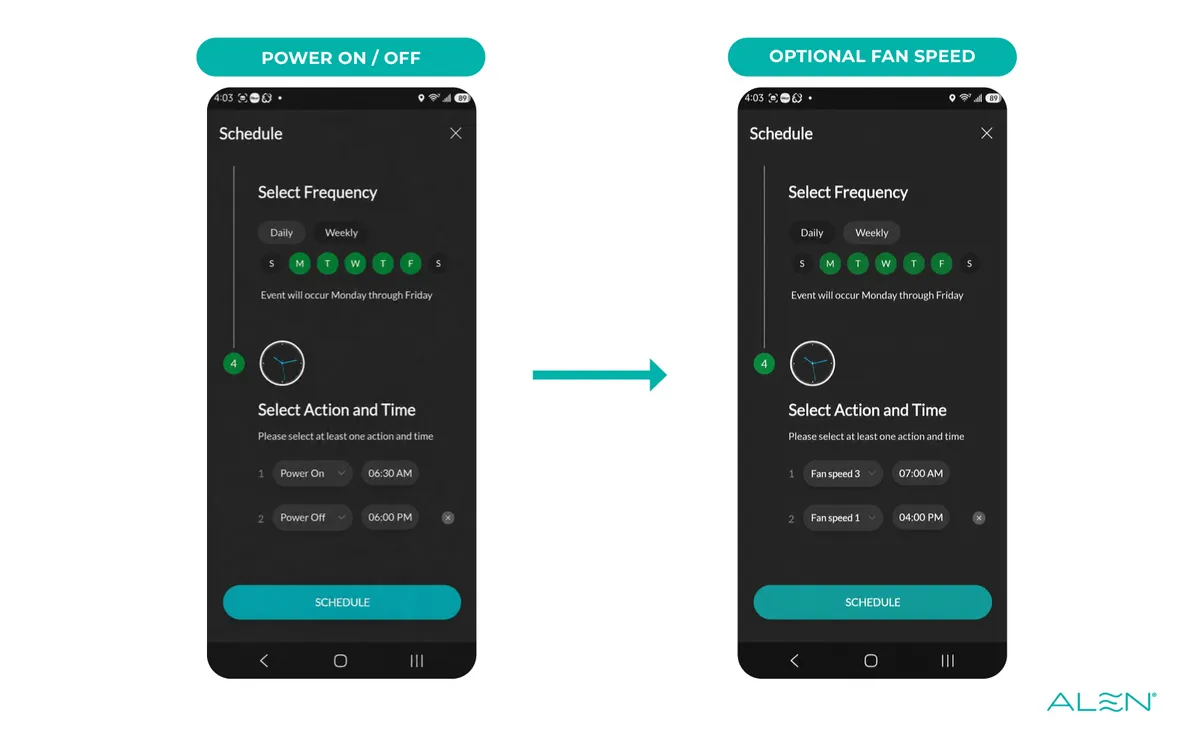
3. Set actions and times
For a basic school-day schedule, set the unit to power on before students arrive and power off after the building is no longer in use. Fan-speed changes can be added where useful.
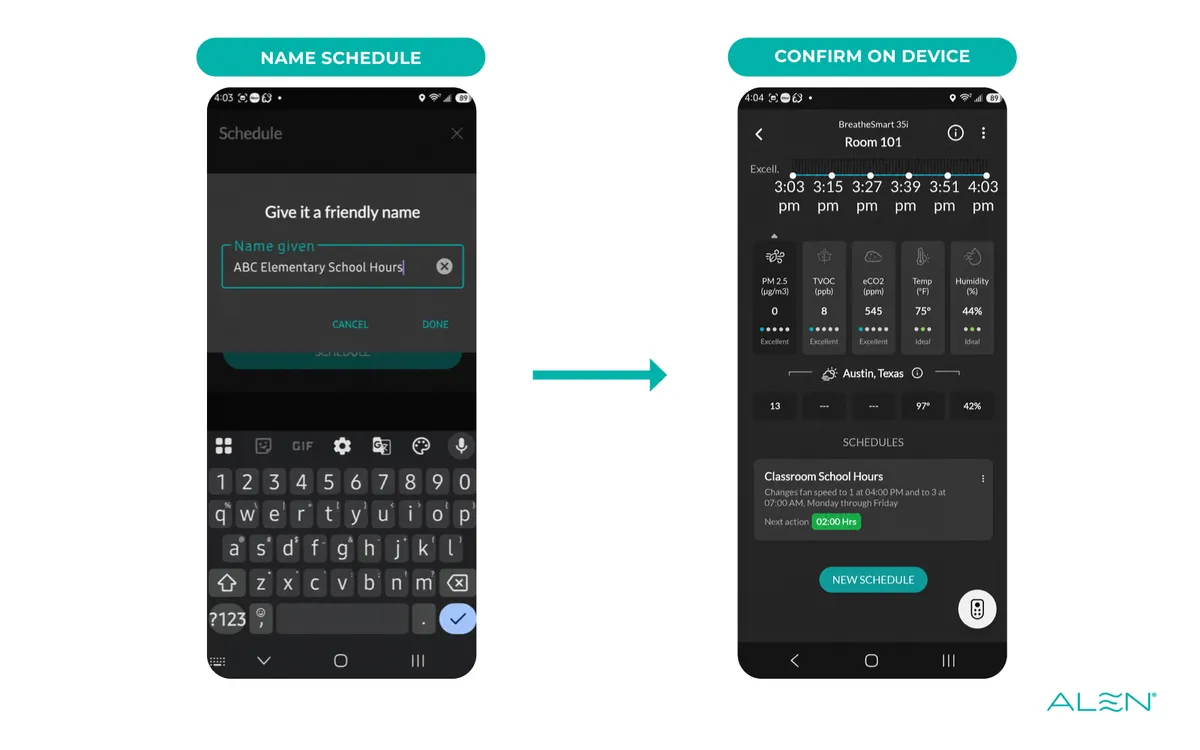
4. Name and confirm the schedule
Use a clear, school-centered name so facilities staff can recognize the schedule later. The saved schedule then appears on the device page.
Common School Scheduling Examples
Build schedules around real campus use.
Different spaces may need different schedules. A standard classroom may not need the same schedule as a nurse office, front office, or special-use room.

Classrooms
Run during school hours and turn down or off after students leave.

Nurse offices
Use extended schedules for higher-priority spaces.
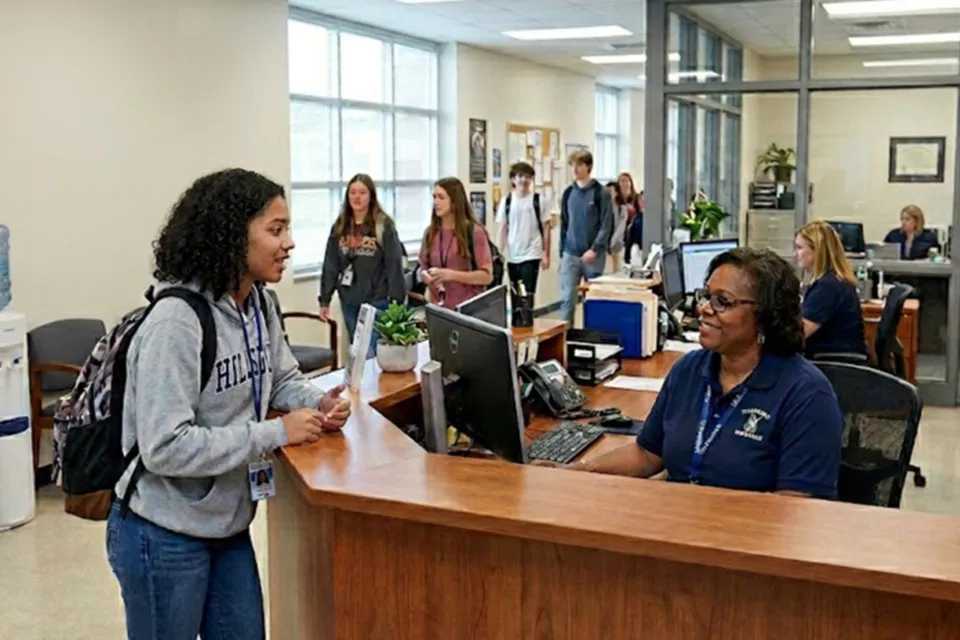
Front offices and
shared staff areas
Schedule around staff arrival, dismissal, and after-hours activity.

Holidays and breaks
Adjust runtime during Thanksgiving, winter break, spring break, and summer.

After-school programs
Create separate schedules for rooms used outside normal school hours.
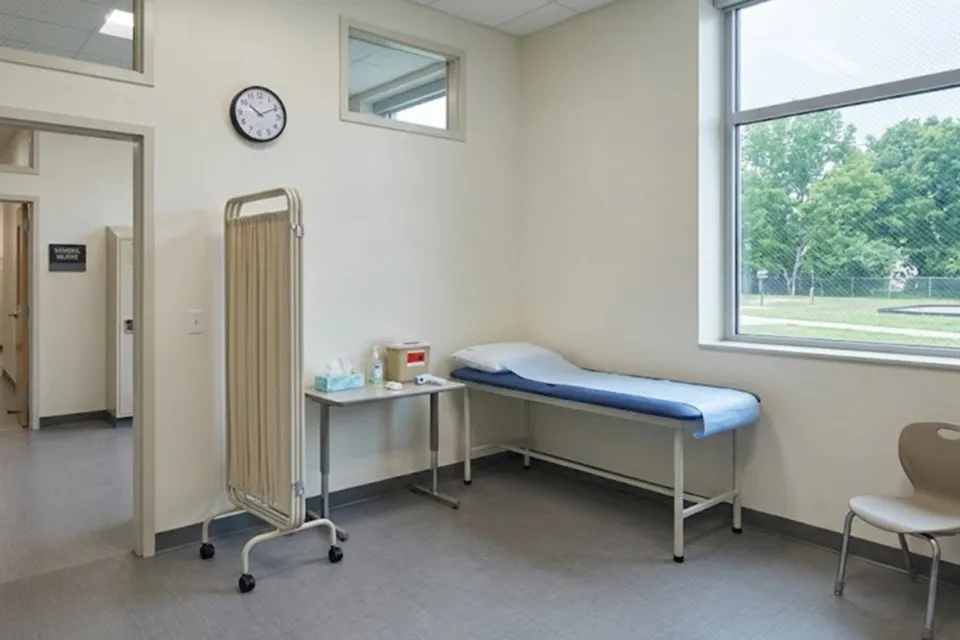
Isolation rooms
Use extended schedules for higher-priority spaces.
Remote Control for Supported Units
Make adjustments without walking into every room.
For supported connected units, the Alen app can help facilities teams make basic adjustments without visiting each purifier individually.
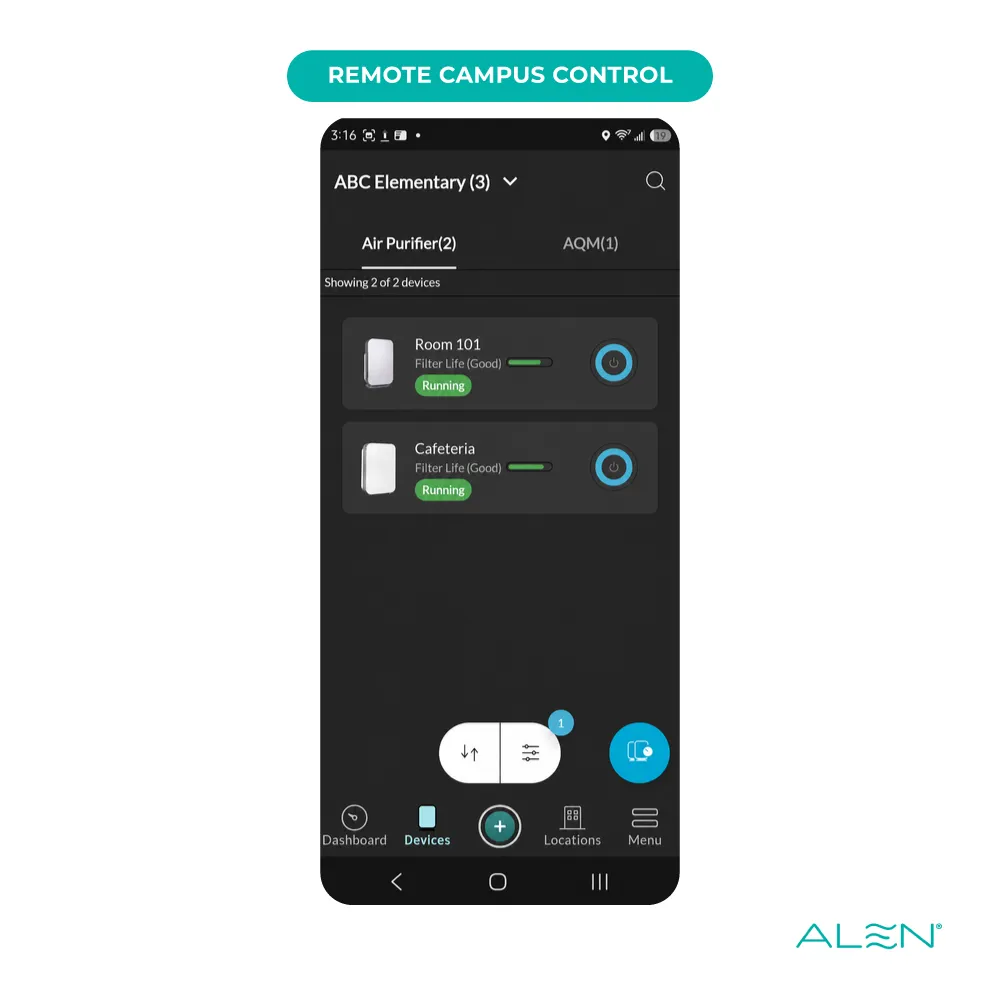
Teams may be able to:
Remotely power supported units on or off
Adjust fan settings where supported
Review unit status
Update schedules
Manage multiple units more efficiently
Respond faster when a room or building needs attention
This can be especially useful for districts with units spread across multiple campuses, buildings, or priority rooms.
When to ask Alen for help...
Not sure how your units are scheduled today?
Alen can help your team review how your current HEPA units are set up, whether supported units are connected to the app, and where scheduling could make purifier management easier.
This can be especially helpful if your district:
Purchased units in volume
Has units across multiple campuses
Is not sure which units are connected
Has units running outside normal building hours
Wants to reduce unnecessary runtime
Needs help setting schedules by room type or priority space
Wants to coordinate purifier schedules with filter replacement planning
Knowledge Center
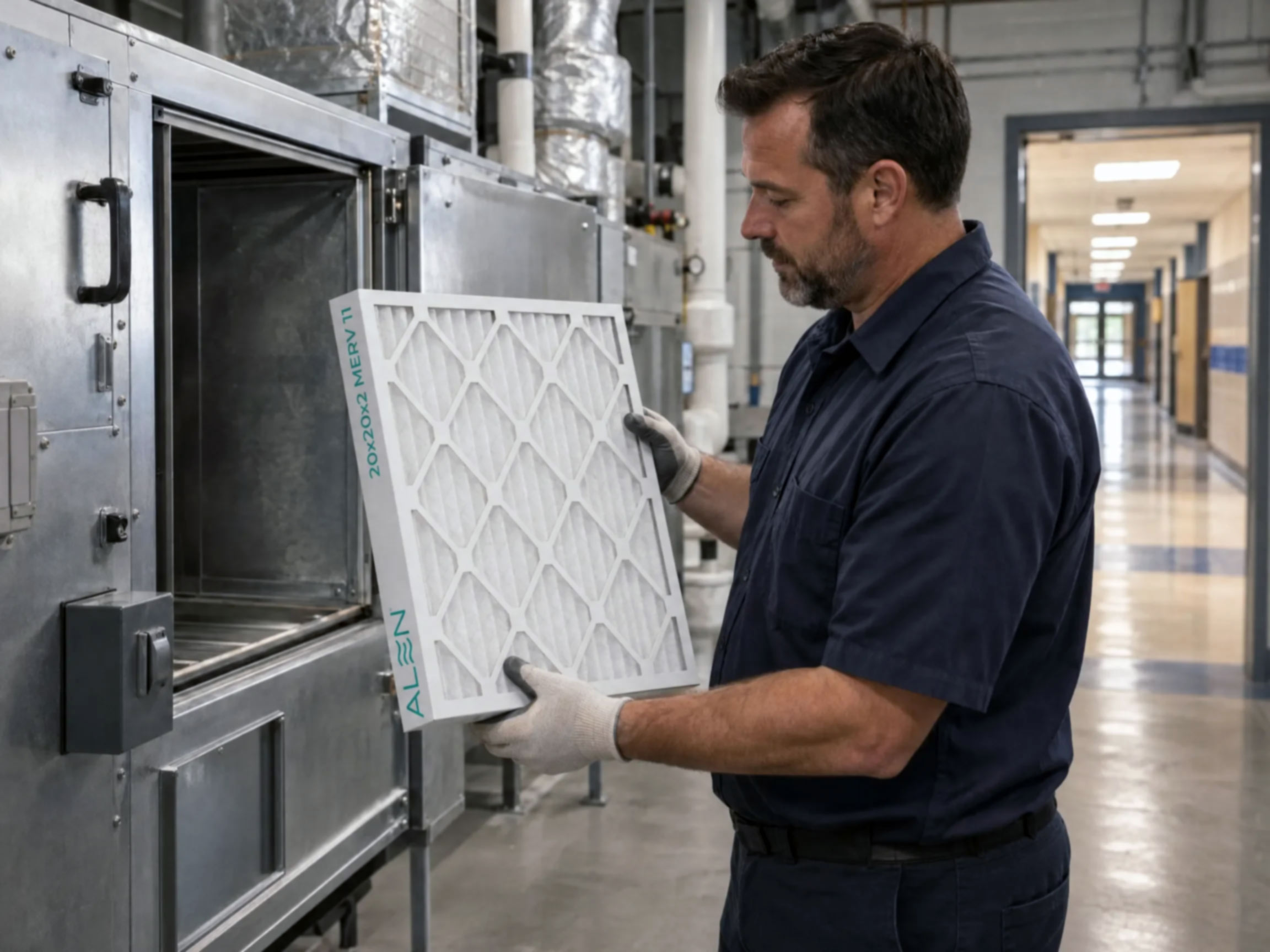
The High-Capacity Advantage: Why Filter Design Matters
Learn how high-capacity HVAC filter design can extend filter life, maintain airflow, and deliver long-term value for school districts. ...more
HVAC Articles
September 18, 2026•4 min read
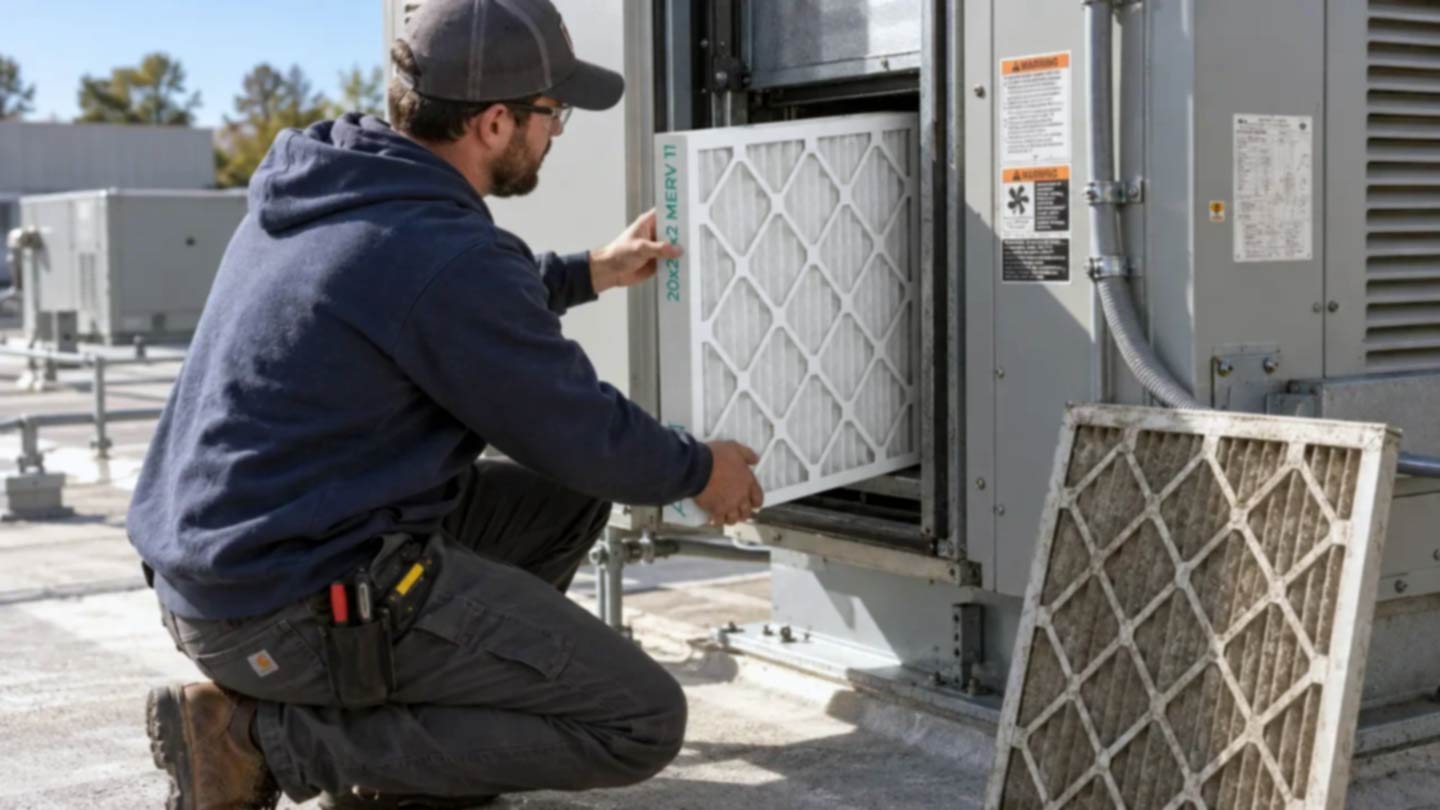
5 Ways High-Capacity Filters Can Save Your School District Money
See how high-capacity HVAC filters can help your school district reduce filter purchases, maintenance demands, inventory, and waste through longer service life. ...more
HVAC Articles
September 18, 2026•5 min read

When The Low Bid Becomes Expensive
Choosing the lowest-priced HVAC filters can actually increase total costs. Learn how extended-life filtration improves IAQ and saves schools $50K+ annually. ...more
Education Articles
April 21, 2026•6 min read
Request a Consultation
Get a personalized and detailed assessment of your school district's needs, and how Alen For Business can help save you money and streamline your operations.

Online & Phone Operating Hours
Mon to Fri: 8AM–5PM CST
The Program
About Us
Online & Phone Operating Hours
Mon to Fri: 8AM–5PM CST