
Connect your Alen units so your team can manage them more efficiently.
Getting Set Up & Pairing
Before your district can use scheduling, filter status, fleet visibility, or air quality insights, supported Alen units need to be connected and organized in the Alen app.
This quick setup guide helps facilities and IT teams understand the basic steps for pairing units, naming devices, and getting organized across campuses, buildings, or rooms.
Core Resources
Before You Start
Make sure your team has the basics ready.
Use this checklist before pairing supported units to the Alen app:
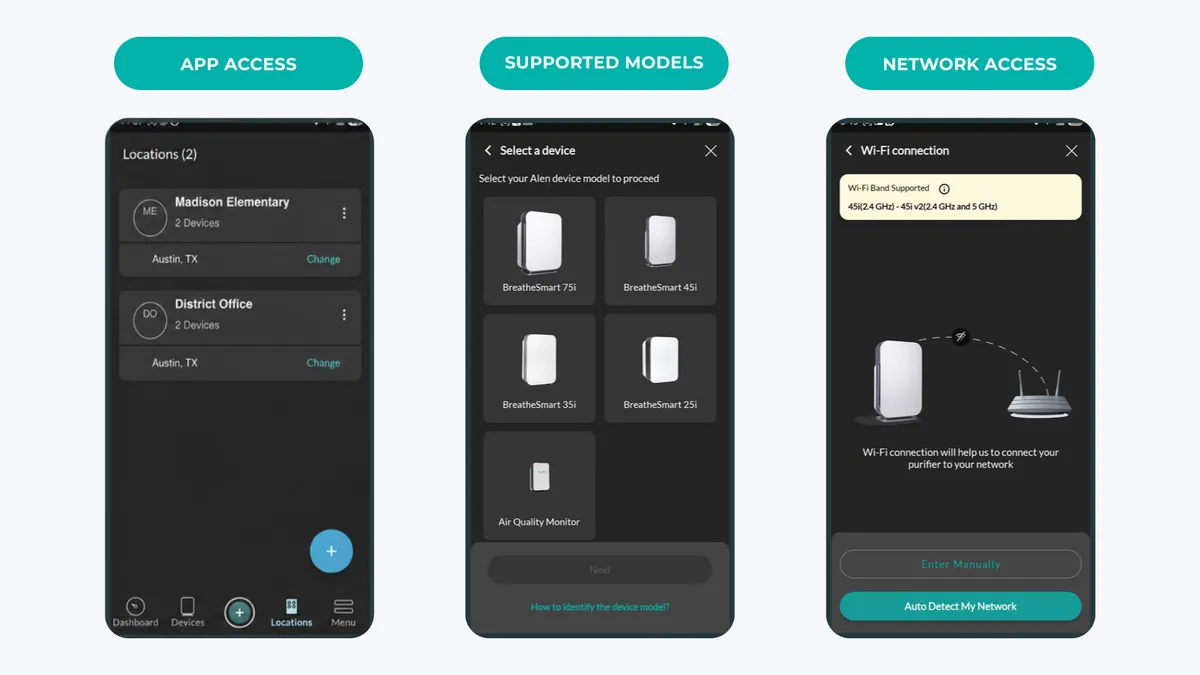
01.
Confirm app access
Download the Alen app and confirm the right team member has access to the account.
02.
Confirm supported models
Check which Alen units are app-compatible and which features are supported by model.
03.
Confirm network access
Work with IT to make sure Bluetooth/Wi-Fi setup requirements are understood before pairing multiple units.
Basic Pairing Steps
Pair supported units in a few simple steps.
Step 1: Open the Alen app
Log in or create the account your team will use to manage connected units.
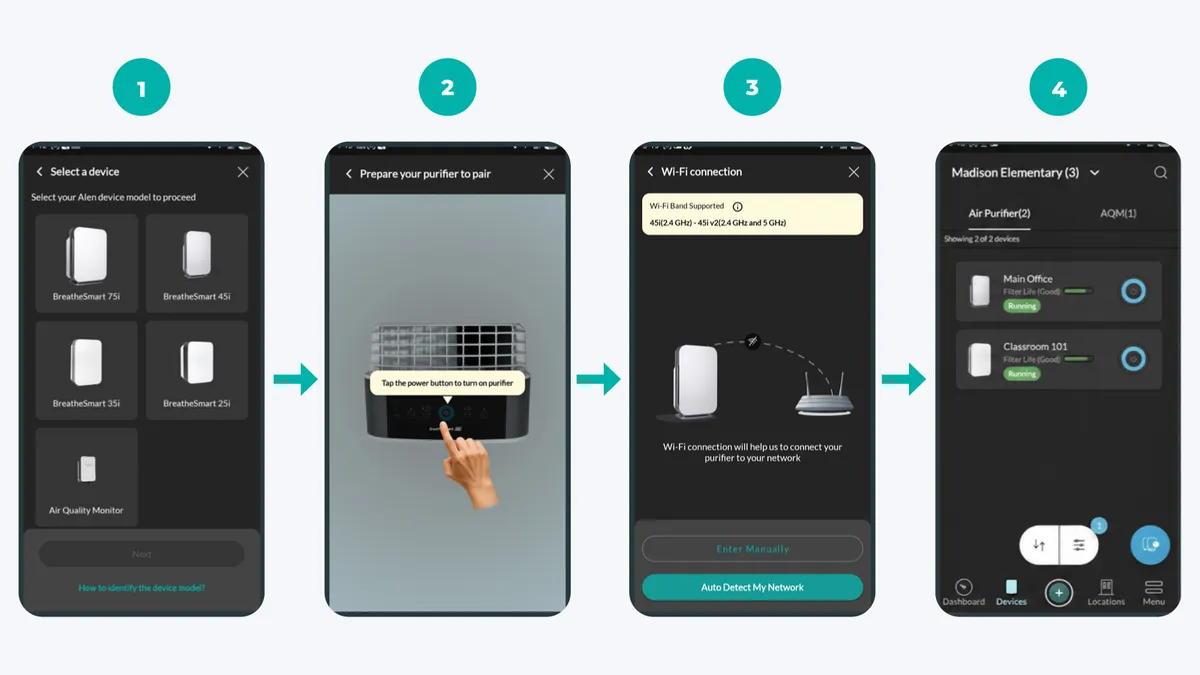
Step 2: Add a device
Follow the in-app prompts to add a supported Alen unit.
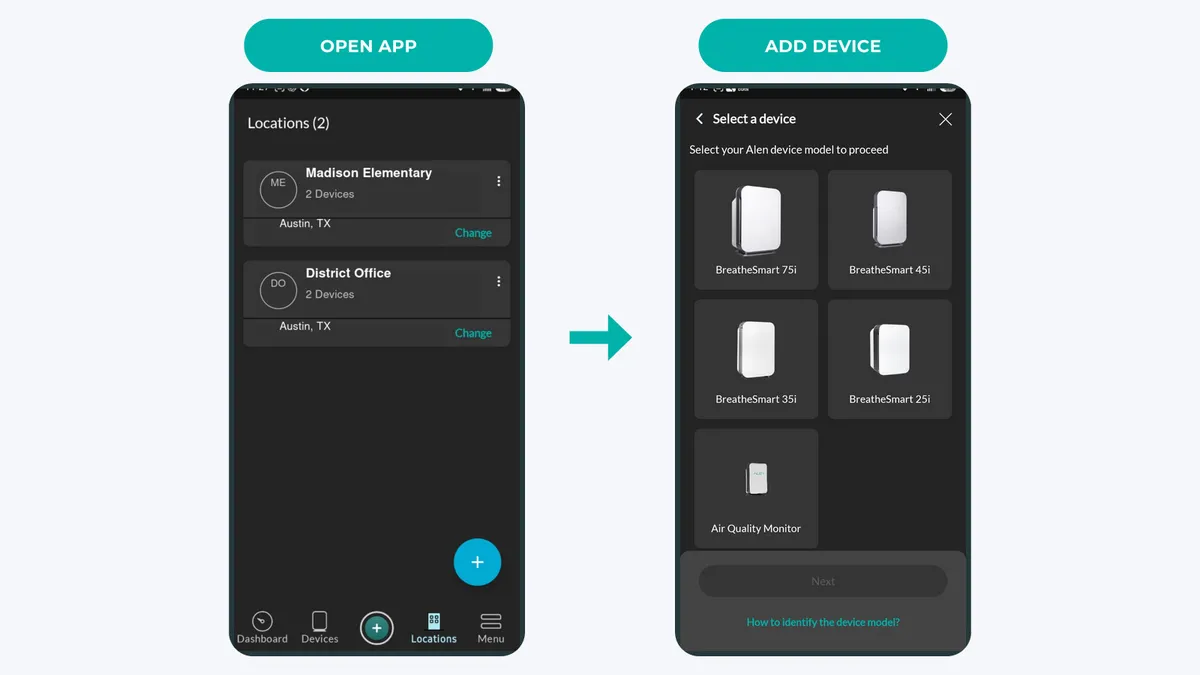
Step 3: Complete Bluetooth/Wi-Fi setup
Connect the unit using the required setup process for that model.
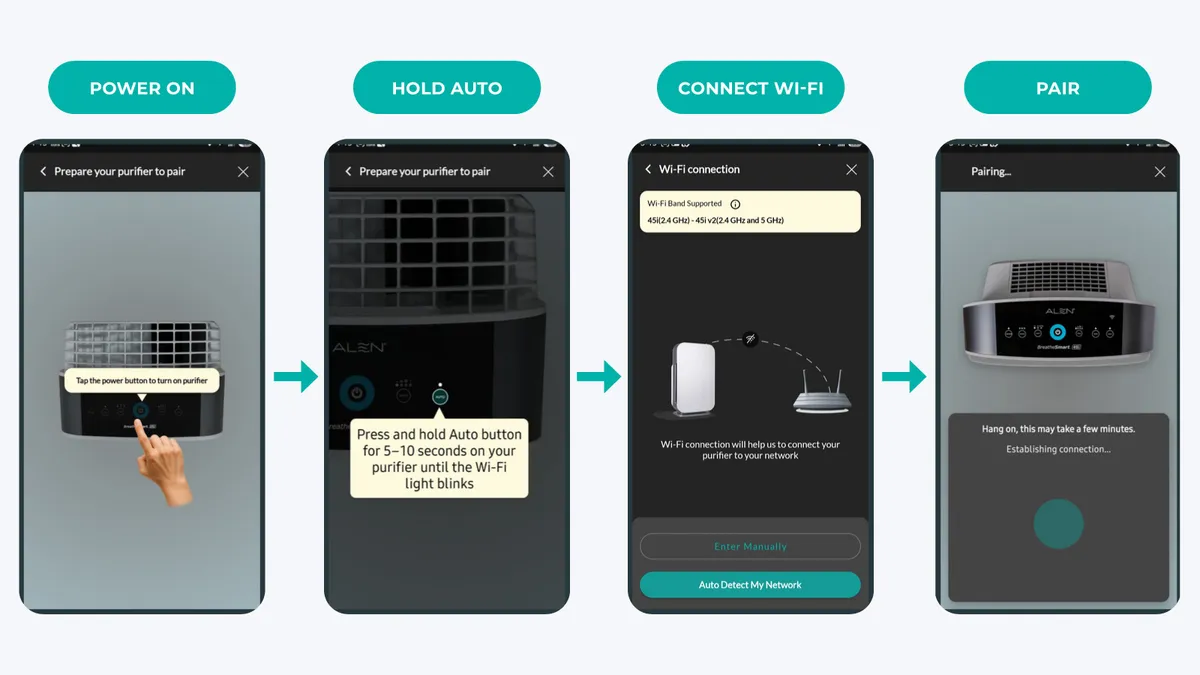
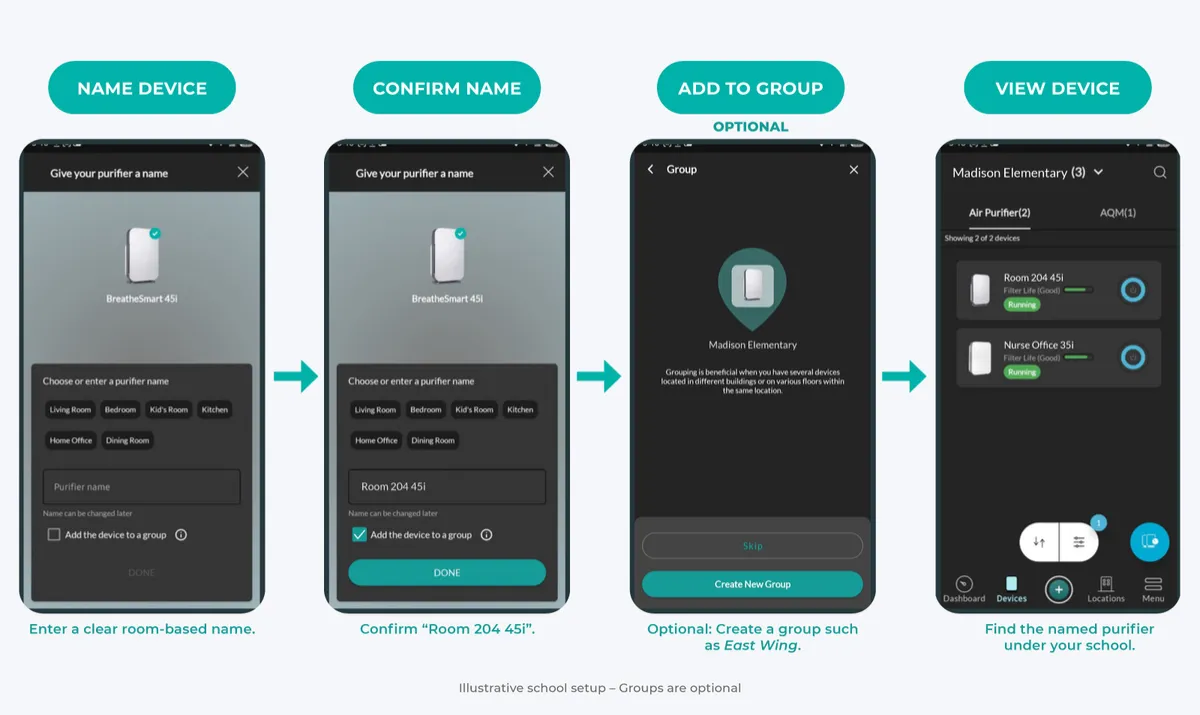
Step 4: Name and organize the unit
Use clear names based on campus, building, room, or use case.
Example device names:
Madison Elementary – Nurse Office
Slidell High – Main Office
Mandeville Middle – Room 204
District Office – Conference Room A
When to ask Alen for help...
Not sure if your units are connected or set up correctly?
Alen can help your facilities team review your current HEPA deployment, app setup, device organization, scheduling approach, filter replacement planning, and broader air quality needs.
This can be especially helpful if your district:
Purchased units in volume
Has units across multiple campuses
Is not sure which units are connected
Needs help with app setup or pairing
Wants to organize units by campus or room
Needs better visibility into filter replacement planning
Knowledge Center
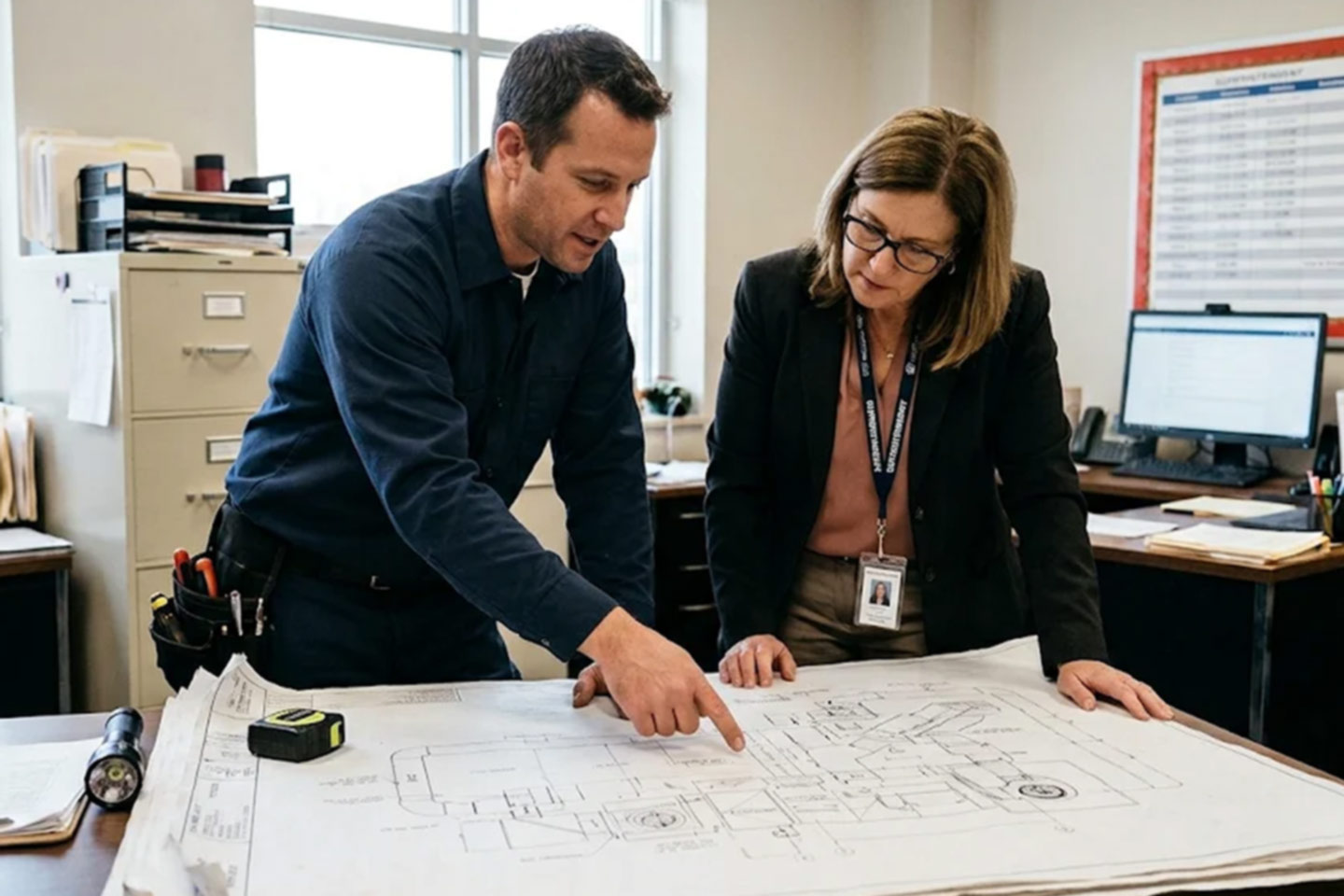
6 Steps to Build a Measurable Indoor Air Quality Strategy for Your School District
Build a measurable indoor air quality strategy for your school district in 6 steps using HVAC filtration, HEPA air purifiers, and air quality monitoring. ...more
IAQ Articles
November 23, 2026•9 min read
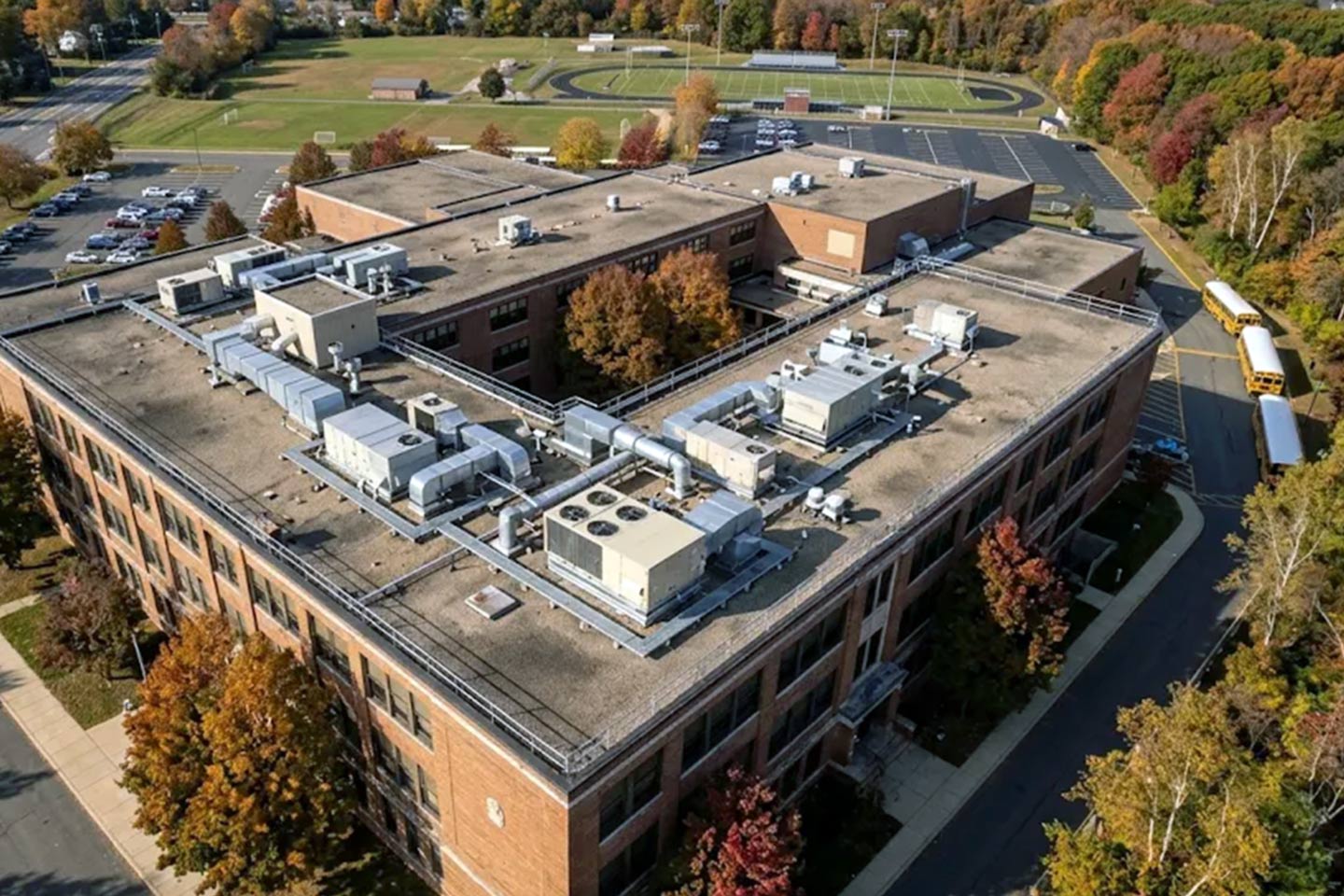
Fall Allergies in Schools: How to Improve Classroom Air Quality
Learn how your school district can prepare for fall allergy season with smarter HVAC filtration, classroom HEPA air purifiers, and air quality monitoring. ...more
IAQ Articles
November 11, 2026•15 min read
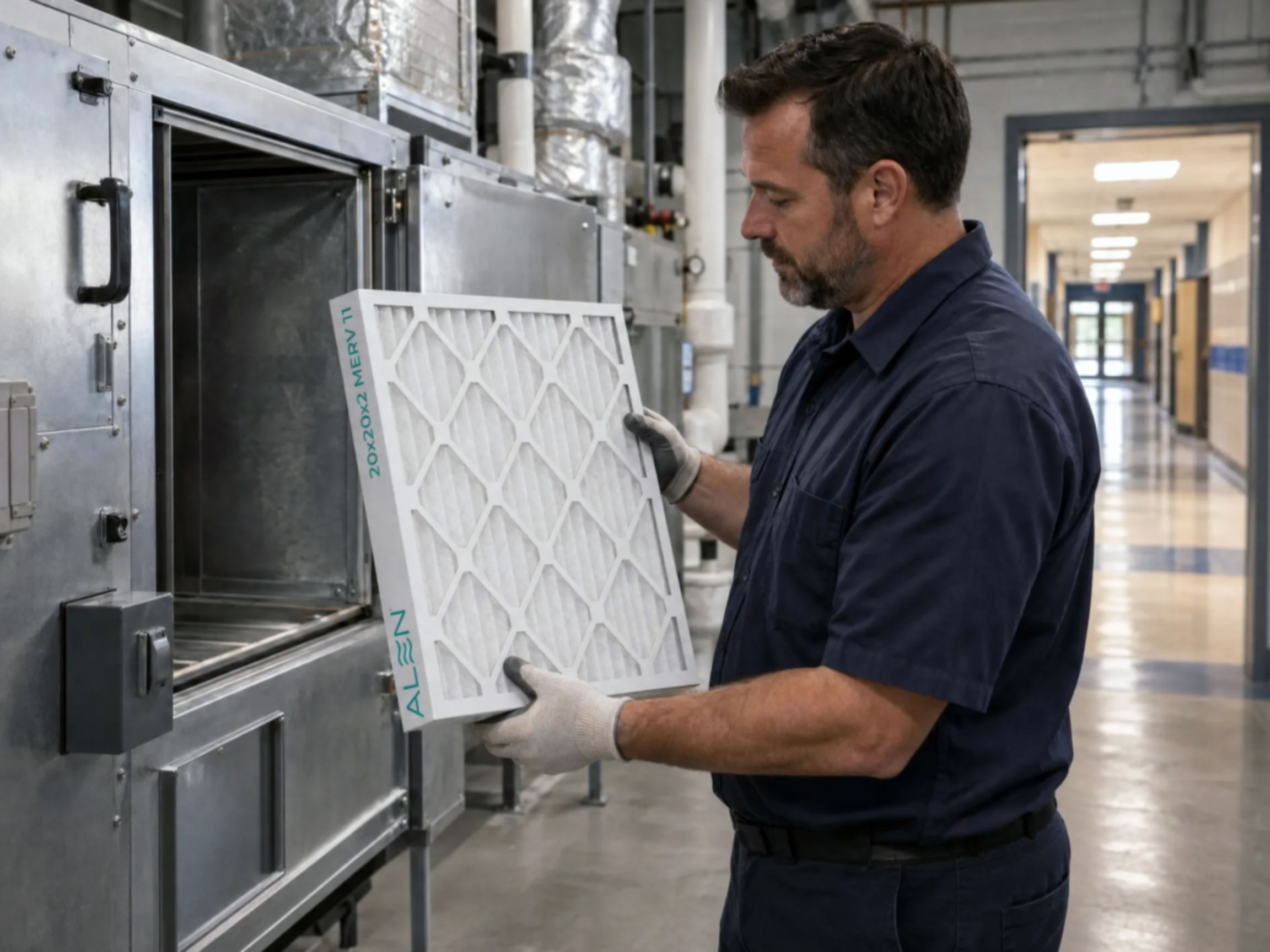
The High-Capacity Advantage: Why Filter Design Matters
Learn how high-capacity HVAC filter design can extend filter life, maintain airflow, and deliver long-term value for school districts. ...more
HVAC Articles
September 18, 2026•4 min read
Request a Consultation
Get a personalized and detailed assessment of your school district's needs, and how Alen For Business can help save you money and streamline your operations.

Online & Phone Operating Hours
Mon to Fri: 8AM–5PM CST
The Program
About Us
Online & Phone Operating Hours
Mon to Fri: 8AM–5PM CST